See your design system, and what it uses
Run panda studio to see every token in your design system, which ones your code uses, and every hard-coded value, live in the browser as you save.

You already have a design system written down in your Panda config: every color, space, font, radius, and shadow. Describing the system was never the hard part. Seeing it was.
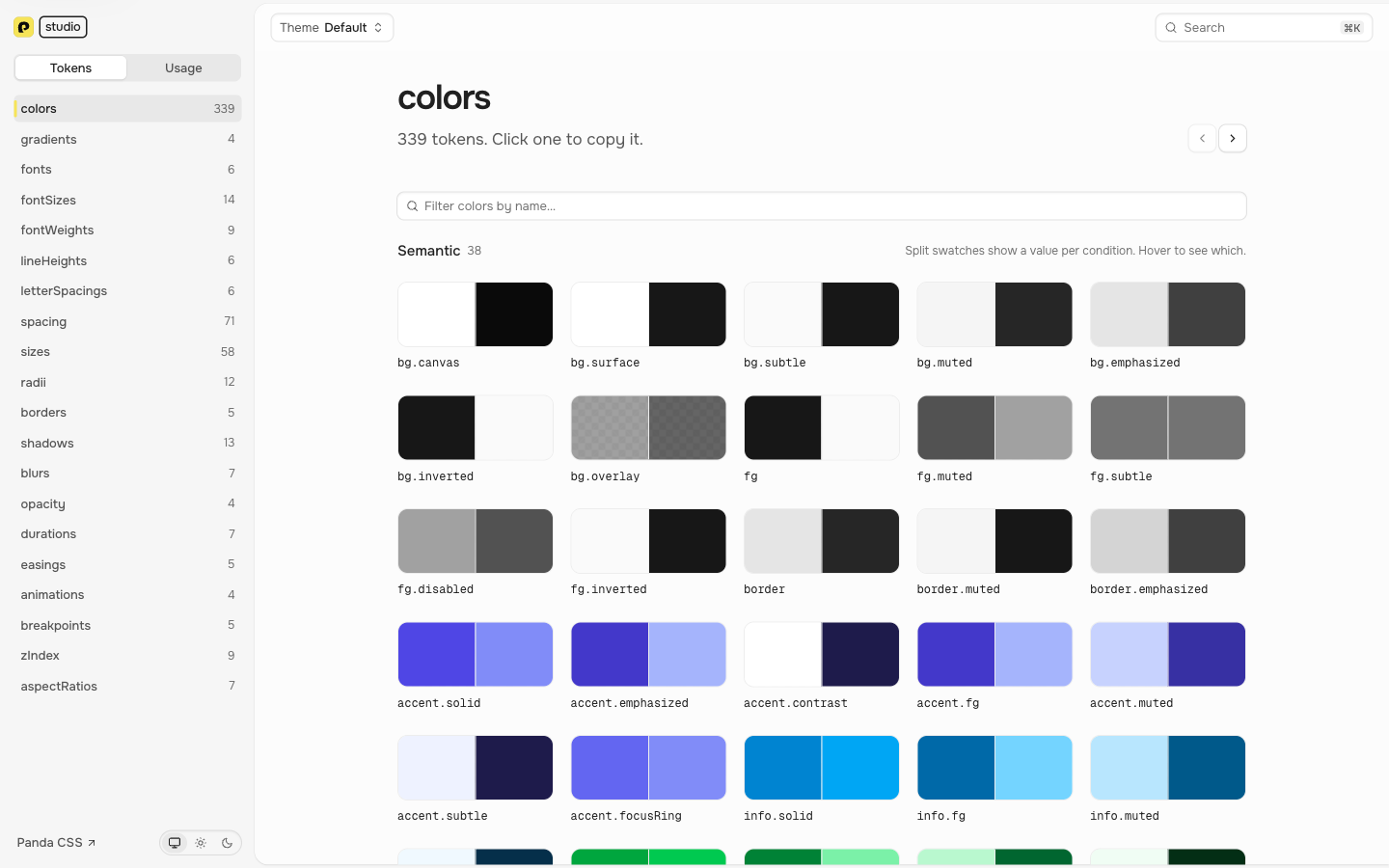
Studio shows it. Run one command in your project:
pnpm panda studioIt opens studio.panda-css.com connected to a local server, and updates as you save. Colors become a swatch grid, spacing becomes a sorted scale, fonts become specimens. Nothing from your project is uploaded.
Browse every token
Every token category gets a layout that fits it. Semantic colors split into one band per condition, so light and dark sit side by side. Type tokens render a preview line you can edit at every step, and durations and easings animate. Click any token to copy its name.
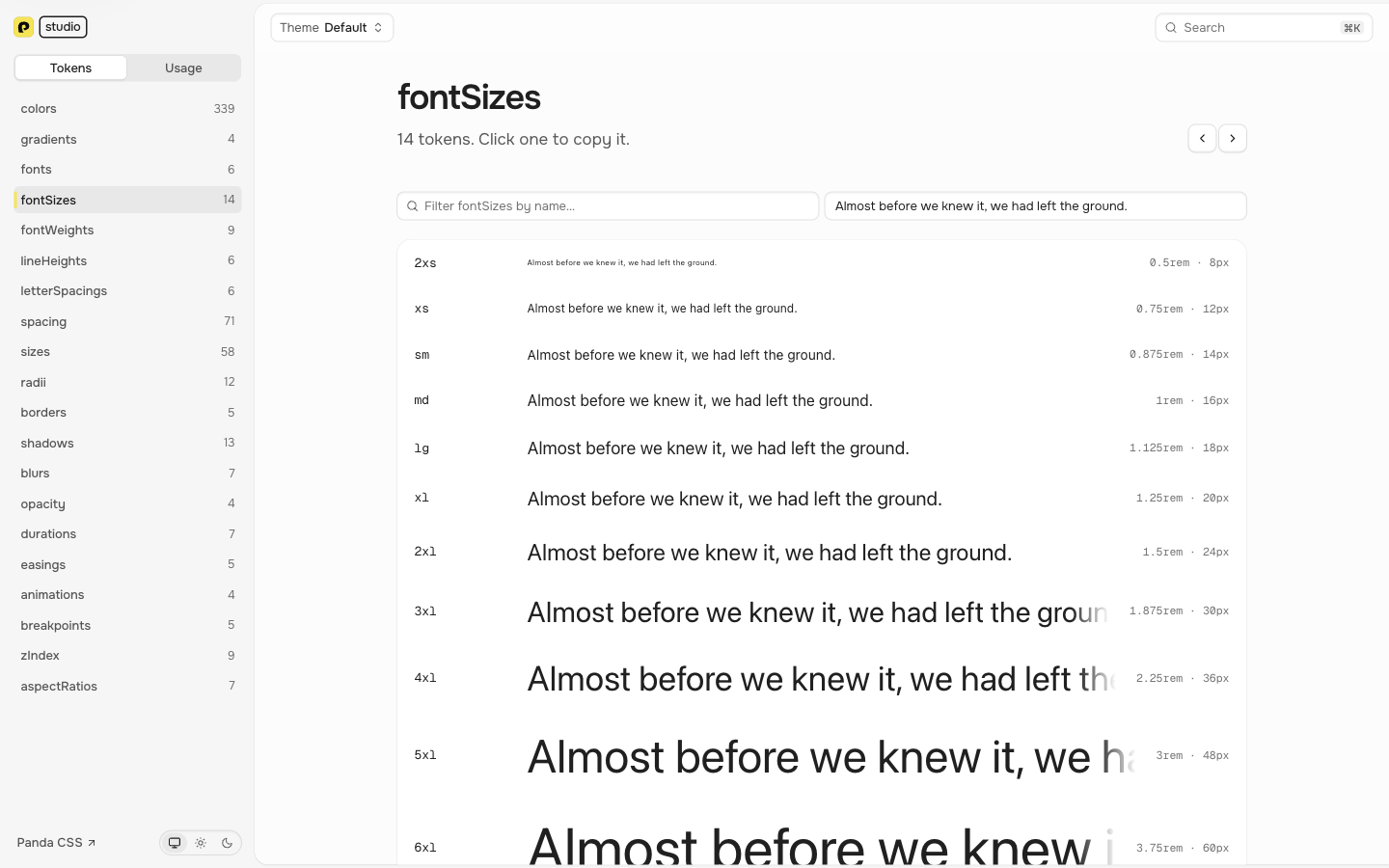
Press ⌘K to search the whole system: tokens, values, references, recipes, patterns, conditions, and themes. Pick a
token and Studio opens it. If you have more than one theme, pick one from the Theme
menu to see only the tokens it overrides.
Which tokens are you actually using?
Every design system collects tokens nobody references. A red.500 that got replaced, a spacing step added for one
screen and never touched again. You can't spot them in the config, because a used token and an unused one look identical
there.
Switch to Usage and the project scan answers it. You get how many tokens your code uses in each category, and opening a category lists the ones nothing uses. Those are the tokens you can delete.
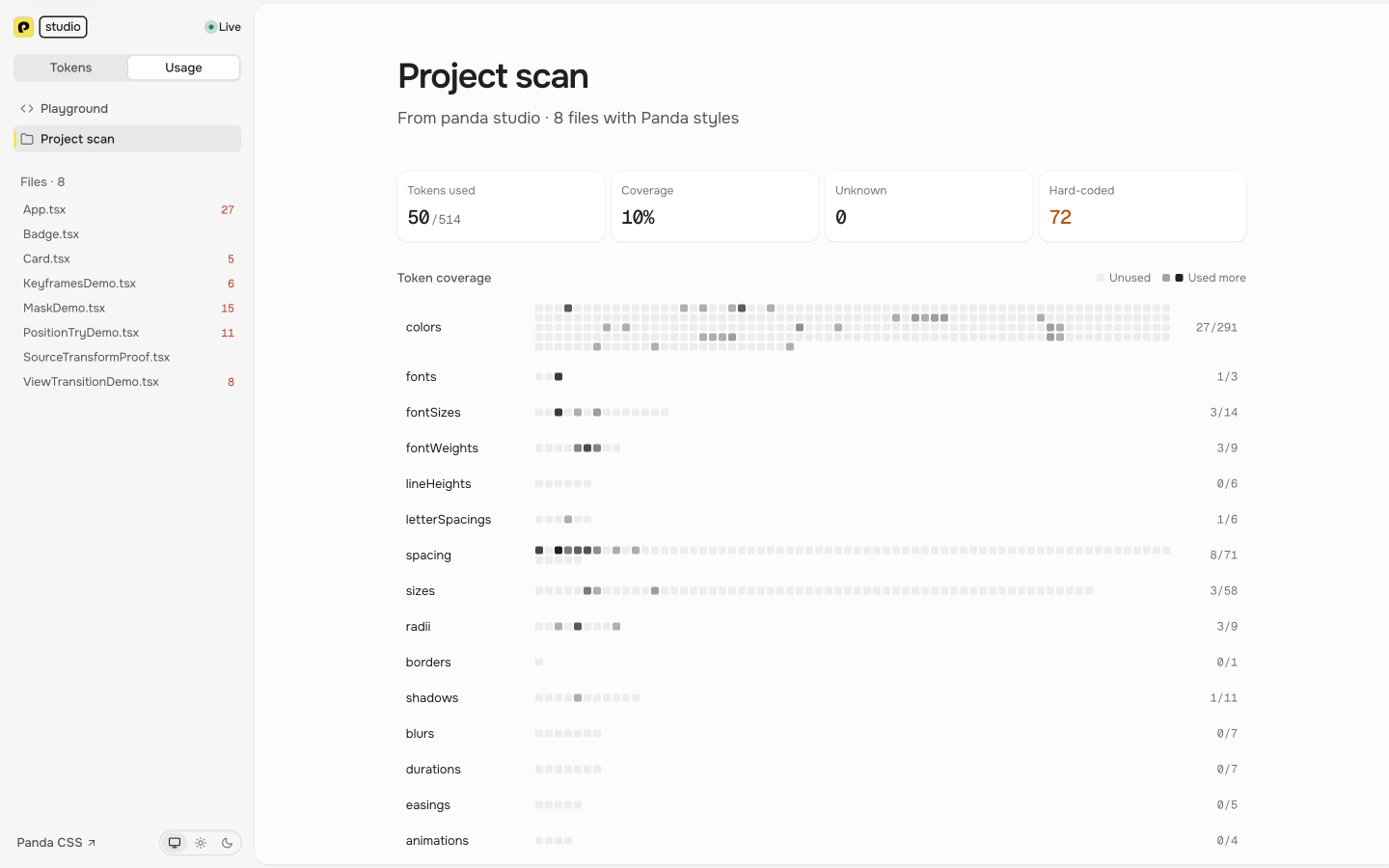
The scan also lists every value that isn't a token, grouped by value, with the files and lines it's on and the token
that matches it when there is one. Click a file to see its code next to its issues. Usage is counted the same way as
panda analyze.
The Playground does the same check one object at a time, with the Panda compiler running in your browser. Type a style object and it flags what isn't a token as you write:
css({
  color: 'bleu.500', // Not in your system → blue.500
  p: '16px', // Hard-coded → 4
  bg: '#3b82f6' // Hard-coded
})
Click a suggestion to apply it, or Fix all to apply every one.
Open Studio without the CLI
Run panda codegen --spec and drop the file it writes on studio.panda-css.com:
styled-system/specs/design-system.json
You can also paste the JSON, or an https link to the file, like a GitHub URL. Studio keeps a link in the address as
#url=, so if the file is public, the page itself is a link you can send to a teammate or a designer.
For usage without the CLI watching, run panda analyze --outfile panda-usage.json and open the report on the Usage
page.
Build your own viewer
Studio doesn't replace building your own. The JSON Spec docs show you how:
ds.view('colors') gives you each token's name and value, so a color grid is one .map(). Studio is the version
you don't have to build. See the Studio docs for every option.